Online tool
Quick to try for a short clip. The video is usually uploaded; length and resolution are often limited.
For short clips.
Someone walks through the shot, or an object is in the way? Here’s how to remove objects from your video after the fact—the background is filled in from the frames before and after.
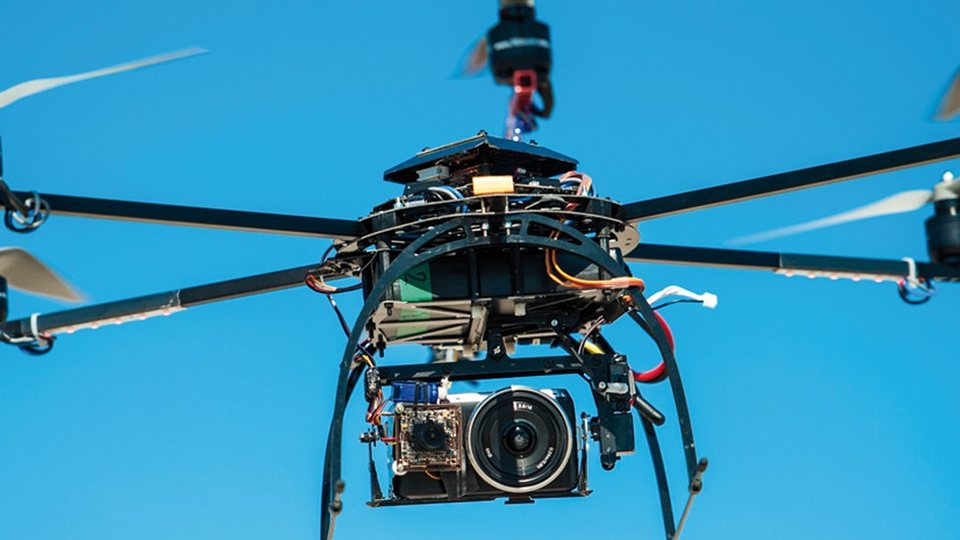
Removing something from a photo is no big deal with an image editing program. A video, however, consists of 24 or more frames per second—and in every frame, the program has to know what would be visible behind the object.
To find out, it looks at the frames before and after: if a person walks across the frame, the background in that spot is unobstructed before or after. This image content is used to fill the gap.
Load the video into HIDE V2, choose a mask shape, and drag the mask over the distracting object.
Start tracking. HIDE detects the motion and moves the mask along automatically. Where needed, guide or correct it by hand.
The “Pixel Tracking (GPU)” method fills the area with real image content from the frames before and after. Check the result in the preview and export the video.
Tutorials for HIDE. The videos load from YouTube only after you click.
Quick to try for a short clip. The video is usually uploaded; length and resolution are often limited.
For short clips.
Handy for phone videos on the go. For longer scenes and precise masks, though, the small screen is cramped.
For quick phone videos.
You can set the mask, tracking, and fill method precisely—with HIDE V2 even for long scenes and resolutions up to 8K. Before exporting, you see the result in the preview.
For clean results in long videos.
Related: Is your video shaky as well? Read the guide Stabilize shaky video.
HIDE V2 is a stand-alone application for Windows. In addition to the perpetual license, there is a 1-year license—you’ll find it on the HIDE V2 product page in the “Buy” section.
Yes, if they move through the frame. HIDE fills the area with the background from the frames before and after. If the person walks straight toward the camera, this information is missing.
With the “Pixel Tracking (GPU)” and “Stamp” methods, it is filled in with real image content from the frames before and after. With “Color Fill” or “Edge fill-in,” you only blur the object instead.
Videos at any frame rate, such as 24p, 25p, 30p, 50p, or 60p, and resolutions up to 8K. Scene detection splits long clips into individual scenes.
Last updated: November 15, 2026 · proDAD

The video is only now being loaded from YouTube (youtube-nocookie.com).