Pixelate and blur
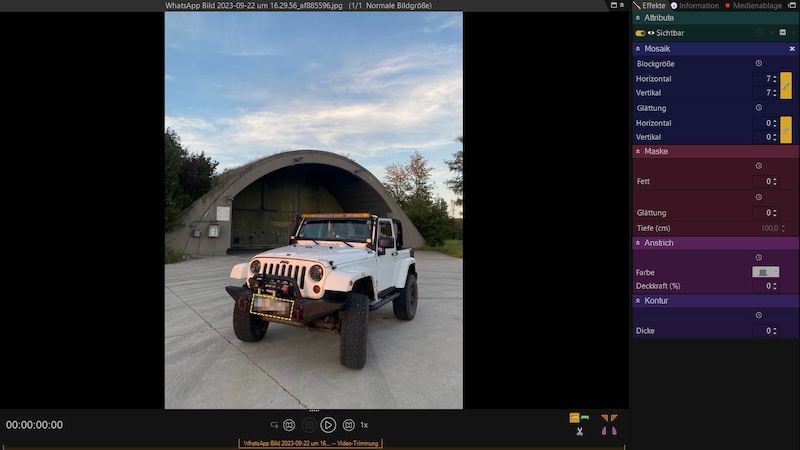
Cover faces, license plates, or logos with mosaic, blur, or a solid color.
Quickly pixelate, blur or highlight faces and objects in videos – with automatic tracking.
DISGUISE Extended is available on request: Contact.

The video is provided by YouTube (youtube-nocookie.com). It starts automatically only with your consent – or now with a click. By clicking, you agree that data such as your IP address will be transmitted to YouTube (Google, including in the United States).
Cover faces, license plates, or logos with mosaic, blur, or a solid color.
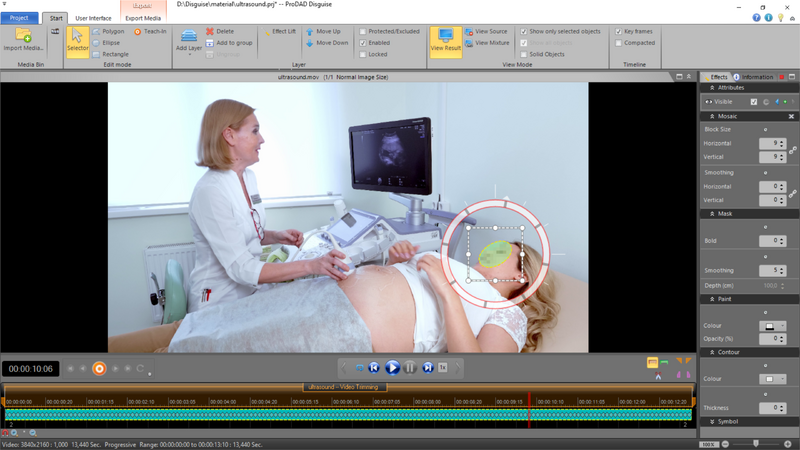
The mask follows the face or object automatically.
Various shapes up to polygons, several masks at once.
Emphasize image areas to direct the viewer’s attention.
Control precisely what is covered and when.
Team projects, pedal control, multiple monitors, undo/redo.
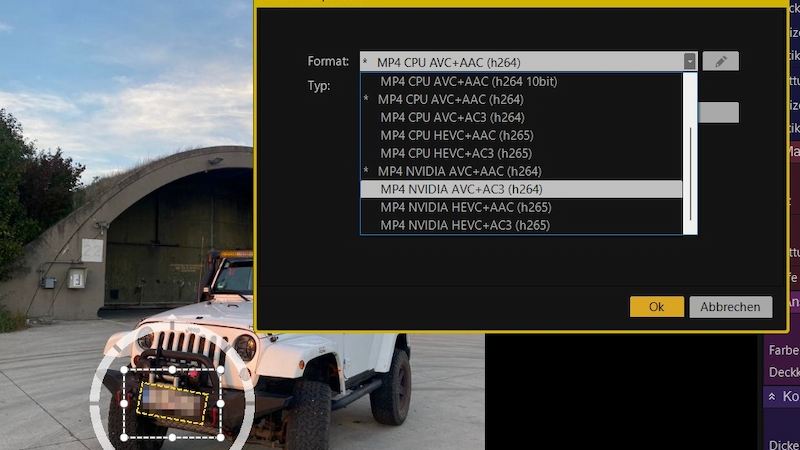
Suitable for faces and objects
Different mask shapes & polygon
Multiple masks in one scene at the same time
Customizable mosaic
Individually designable color areas
Also suitable for highlighting image areas
Fast and reliable tracker
Supports keyframes
Supports exclusion layers
Videos load only after a click.
Stand-alone application for Windows.
DISGUISE V2 – user manual as PDF (German).
Yes. The trial version can be downloaded directly. The output of the trial version carries a watermark.
To protect privacy: make faces, objects, confidential details, or trademarks unrecognizable before publishing.
Yes, DISGUISE Extended – on request.
Yes. The upgrade to DISGUISE V2 costs €199.00 (list price).
One code is active on one PC at a time. To switch PCs, the code can be reset.
Standard version for Windows. Extended on request.
− %Who can upgrade? Owners of an older DISGUISE version (formerly Phantom).
− %Pay securely via FastSpring: card, PayPal, Google Pay.
AI video stabilization, CMOS correction and image optimization at a professional level
Download the trial version directly.
Try it out with your own footage.
Pay securely via FastSpring and enter the code.

The video is only now being loaded from YouTube (youtube-nocookie.com).