− %New
Heroglyph V5
Titles, handwriting, travel route animation & trailers
Covers all video editing programs
€299.00instead of
Effects, transitions, and titles directly in Pinnacle Studio.
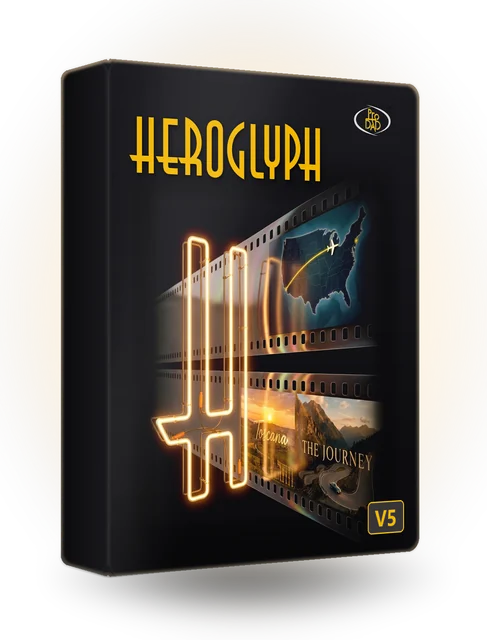
Titles, handwriting, travel route animation & trailers
Covers all video editing programs
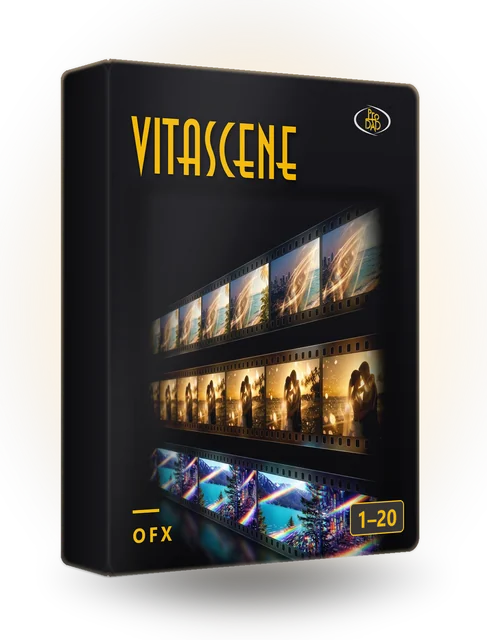
Unleash your creativity with high-quality video effects from proDAD VitaScene
Covers all video editing programs
More than 17,000 filters and transition effects: all Adorage editions complete at an attractive …
For older versions of the video editing programs
| Plug-in | Runs in | Versions |
|---|---|---|
| Heroglyph V5 | Pinnacle Studio | Current versions |
| VitaScene V5 PRO | Pinnacle Studio | Current versions |
| Adorage | Pinnacle Studio | Check with the free trial version |
Source: product data (hosts.csv: “Pinnacle Studio”). The supported versions of the video editing software are still open (F27); Adorage according to the product page for older versions of the video editing software.
Download the trial version or full version.
The installer sets up the plug-in for Pinnacle Studio.
Drag the effect onto the clip, check the preview, done.
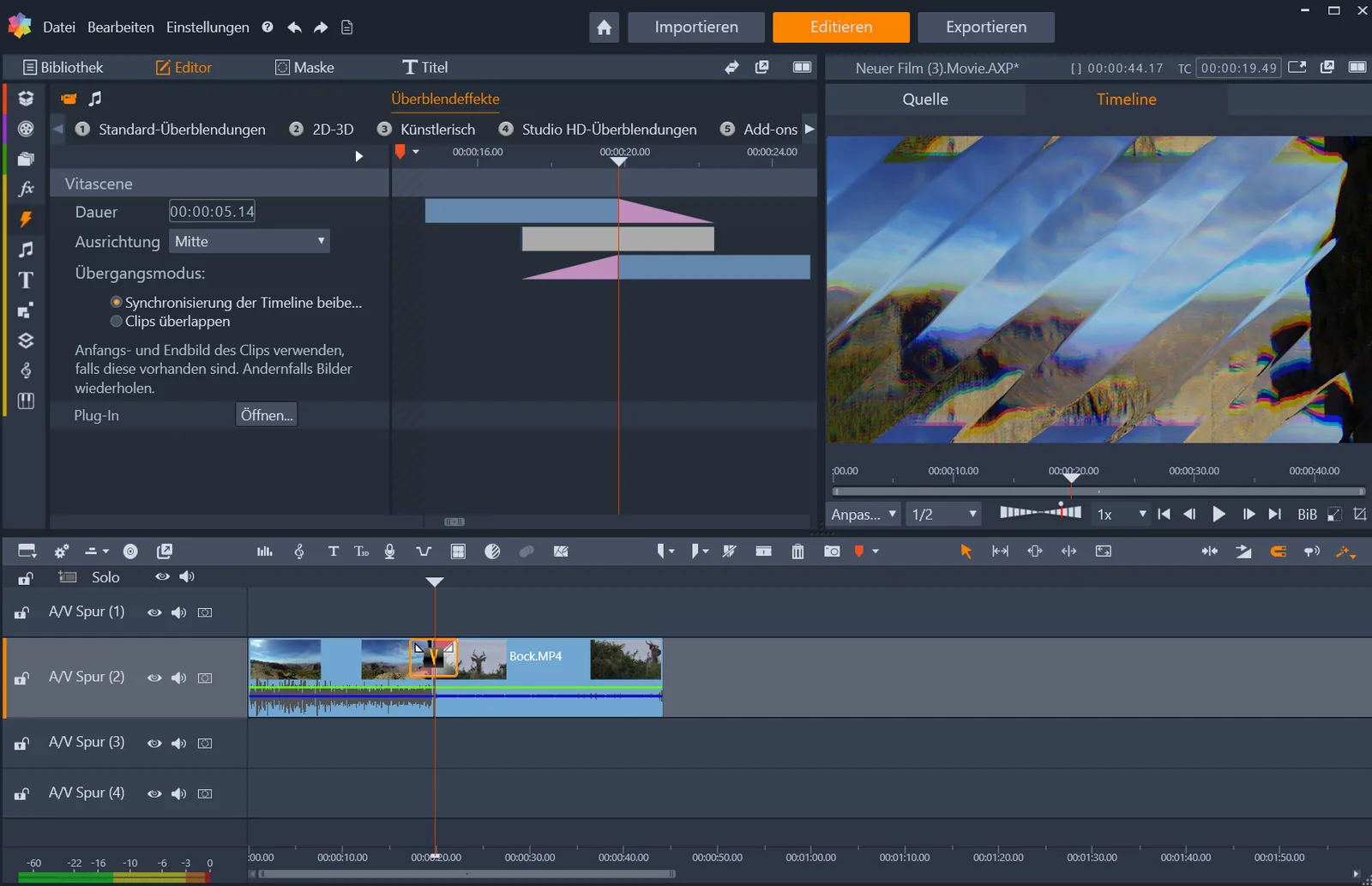
The current versions of Pinnacle Studio are supported. The easiest way to check whether your version is compatible is with the free trial version.
For Heroglyph and VitaScene, yes: one code covers the stand-alone application and all supported video editing software.
Yes. All trial versions can be downloaded directly. The output of the trial version carries a watermark.
One code is active on one PC at a time. To switch PCs, the code can be reset.
proDAD plug-ins are also available for these video editing programs.
Download trial versions directly.
The video is only now being loaded from YouTube (youtube-nocookie.com).