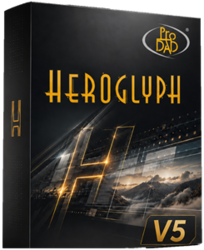

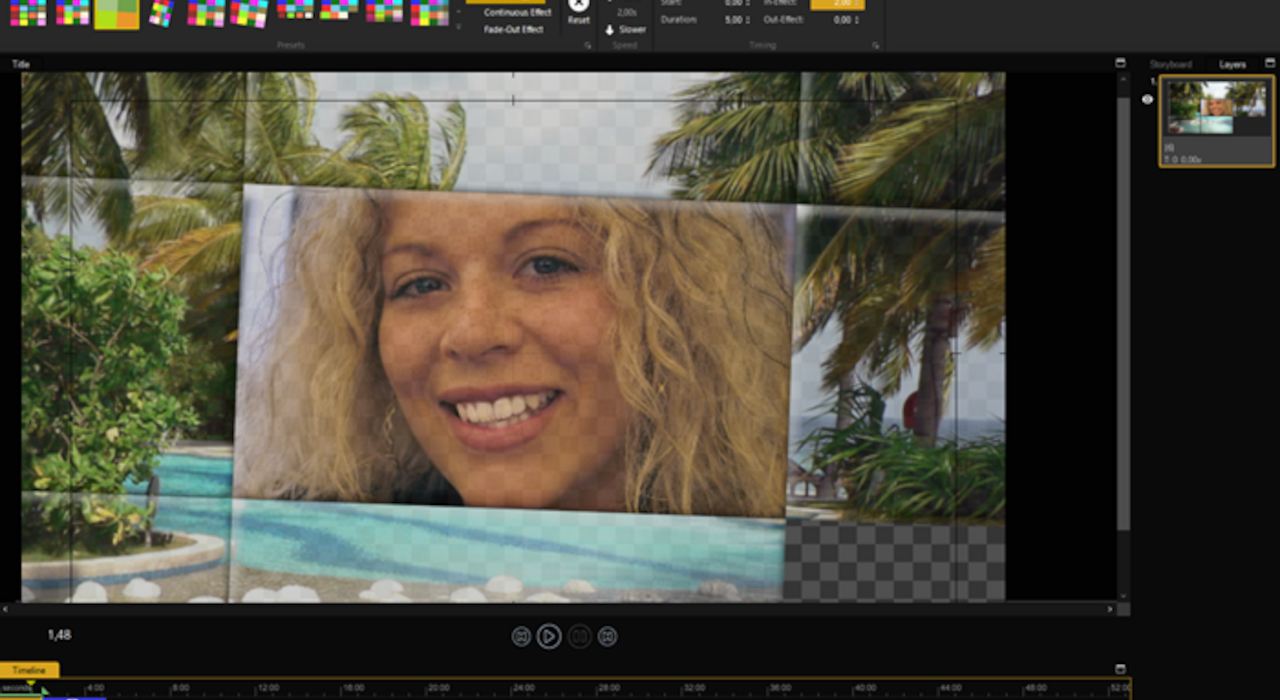
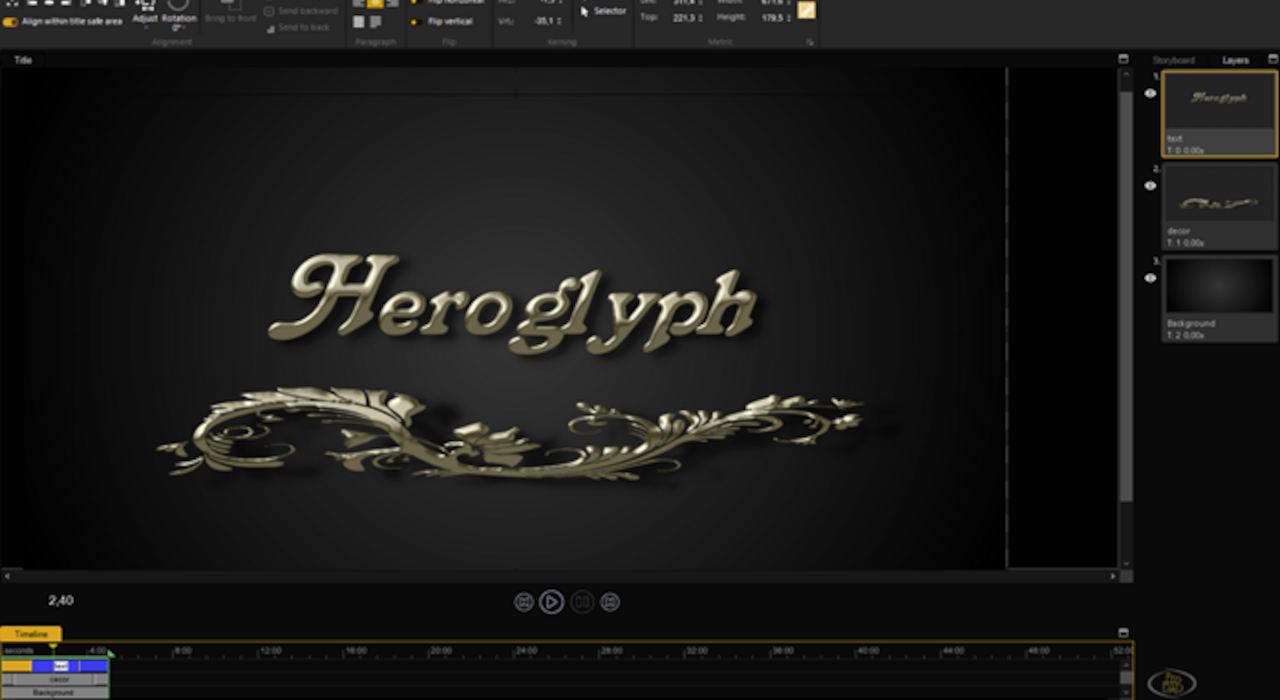
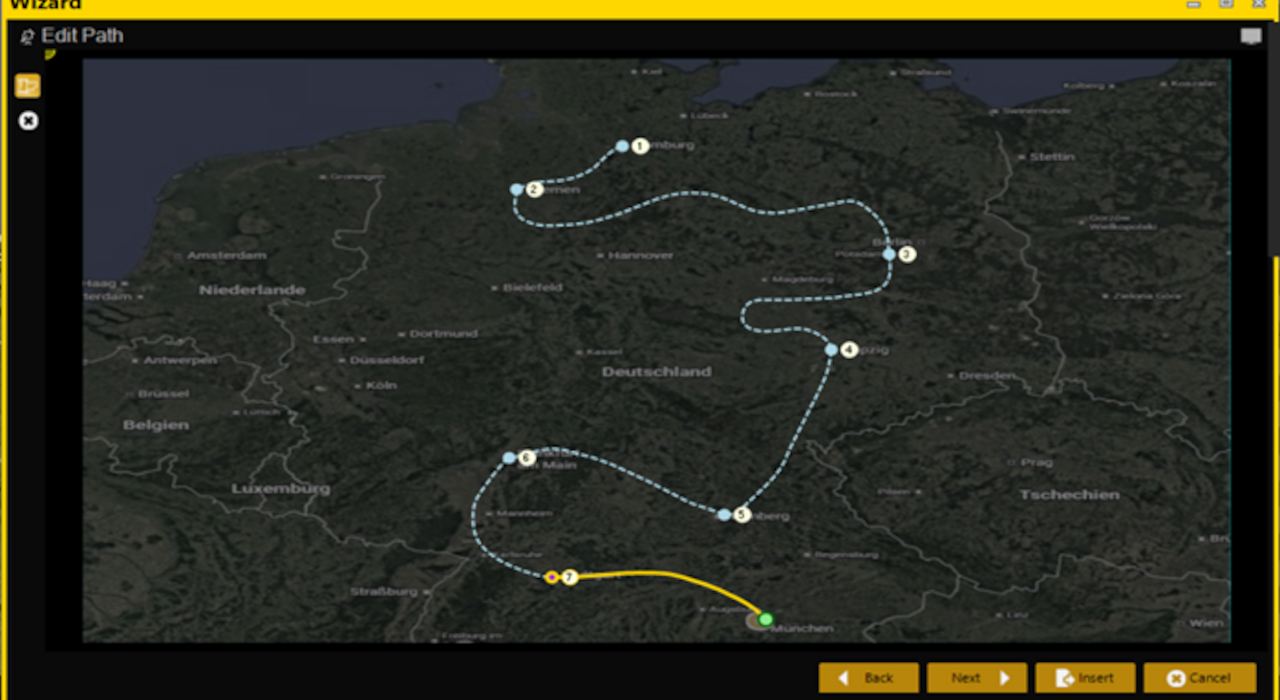
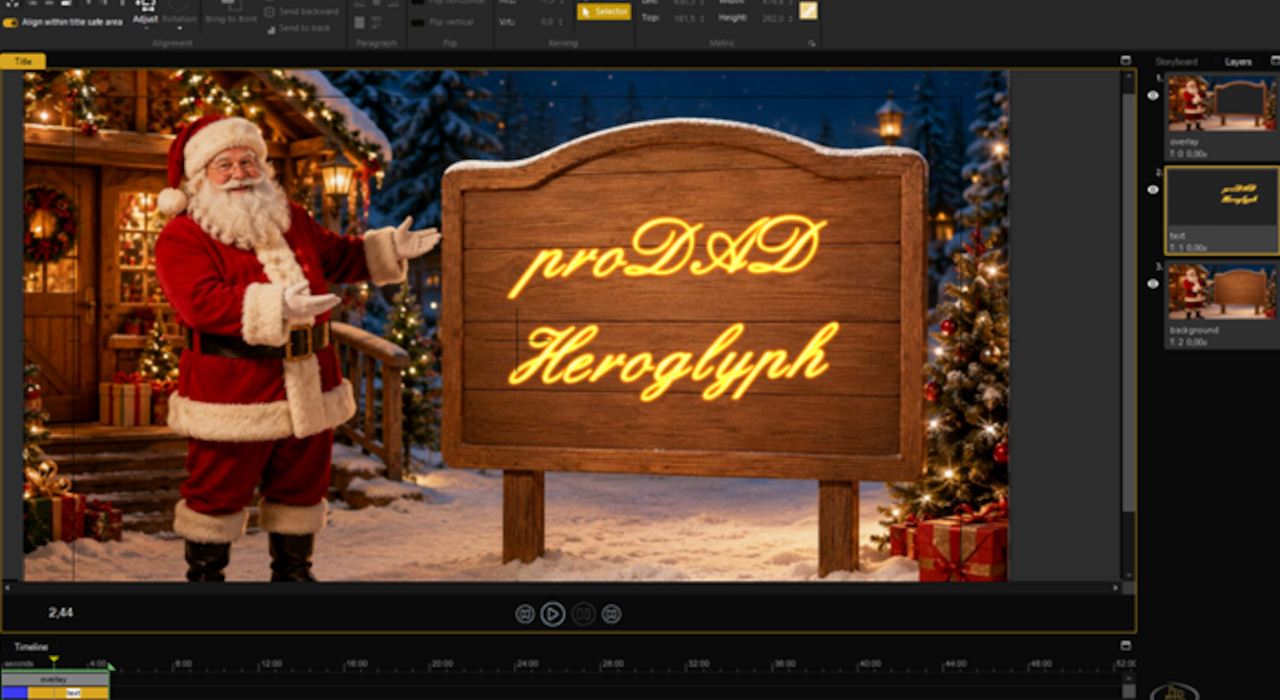
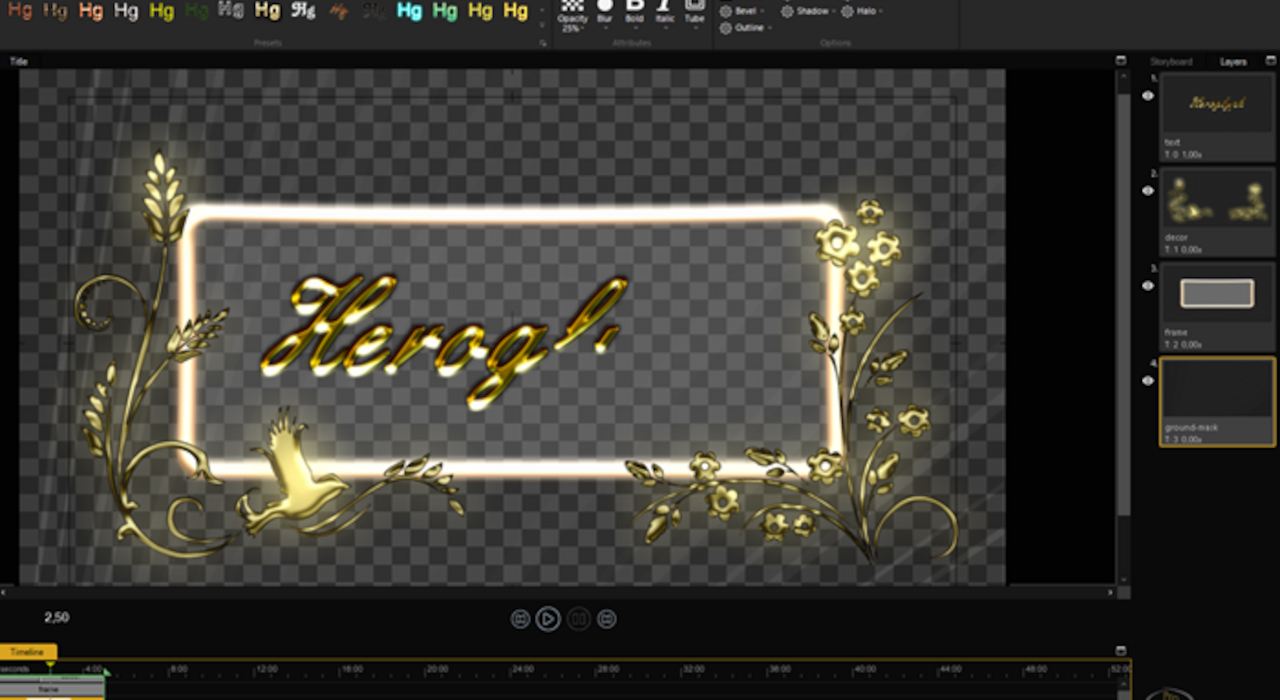
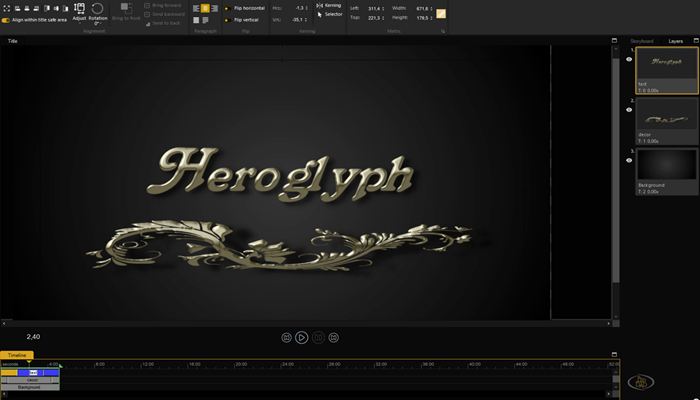
proDAD Heroglyph is the essential solution for titles, lower thirds, handwriting, travel route animations, and trailers.

Heroglyph v5
Welcome to proDAD Heroglyph!
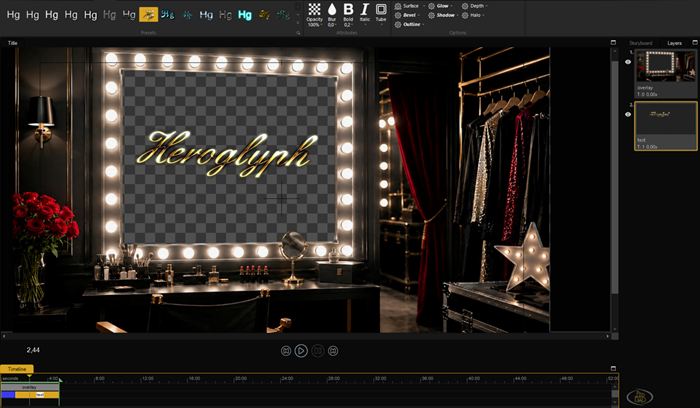
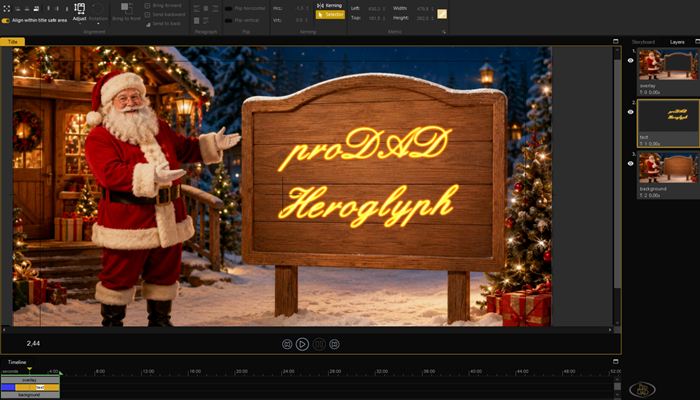
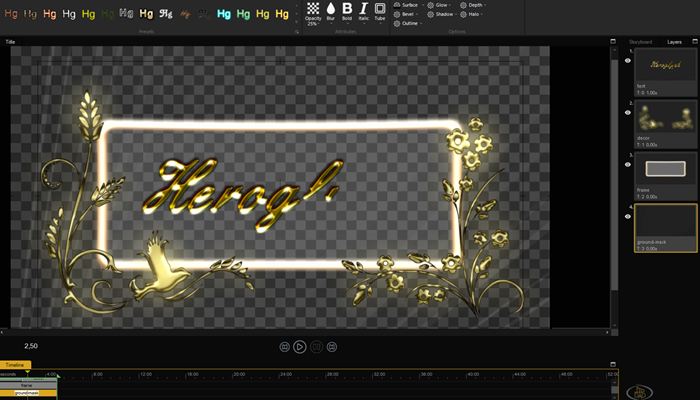
Make your videos stand out with professional titles, captions, and animations.
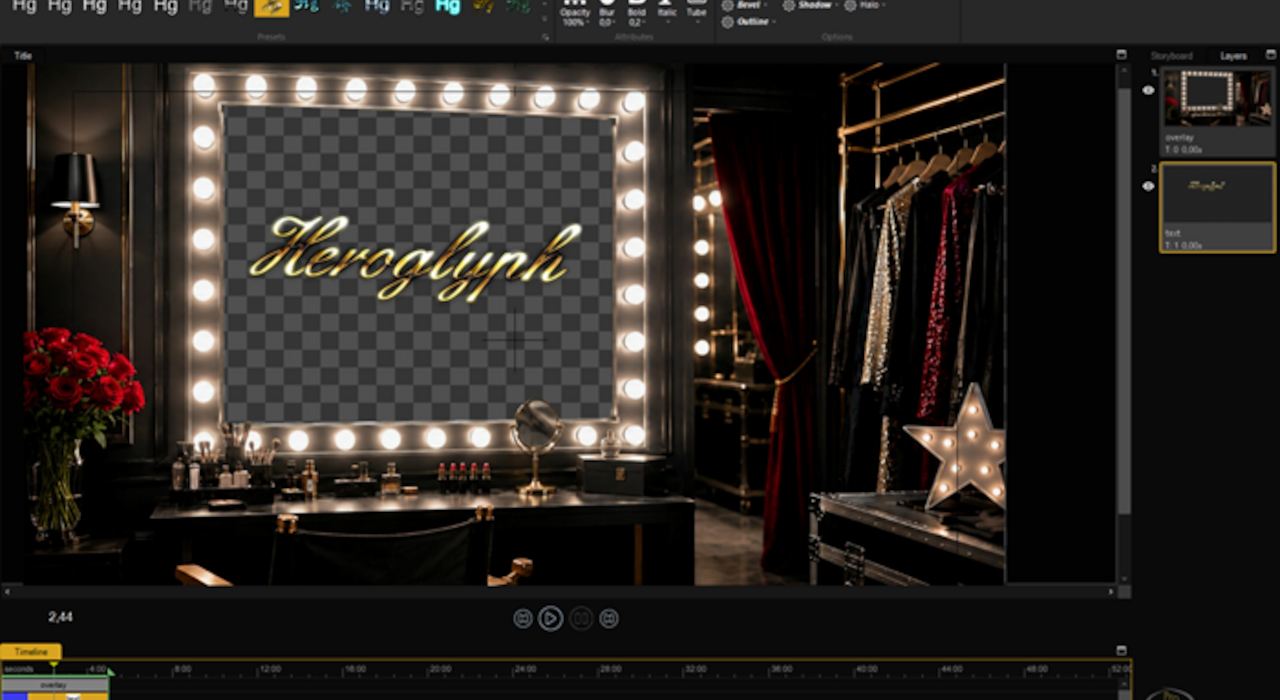
With a single, powerful software program, you can create breathtaking video titles, elegant captions, professional closing credits, dynamic trailers, fascinating motion paths, and beautiful handwriting animations.
Heroglyph allows you to add creative finishing touches that transform your projects from good to outstanding. Explore the endless possibilities of combining high-quality effects, smooth animations, and unique font styles. Until now, achieving all this required significantly more effort. Now, it’s easier, faster, and more convenient than ever to bring your ideas to life.
Unlike traditional title and compositing programs, Heroglyph automatically handles most of the complex work, delivering impressive results in no time. At the same time, you retain full creative control; every parameter can be manually fine-tuned as needed.
Supported Plugin Hosts (NLEs)
- Adobe Premiere Pro / After Effects
- MAGIX Video Pro X / Video Deluxe
- Grass Valley EDIUS
- Blackmagic Design DaVinci Resolve (OFX)
- BORIS FX VEGAS (OFX)
- Corel VideoStudio
- Pinnacle Studio
- CyberLink PowerDirector
Heroglyph — because your videos deserve more than just text.
Videos | All Videos Less videos
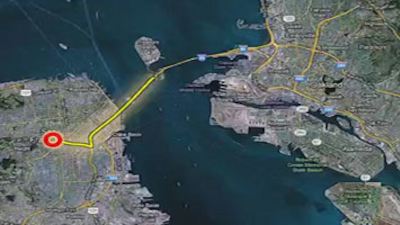

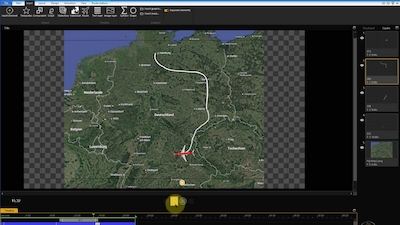
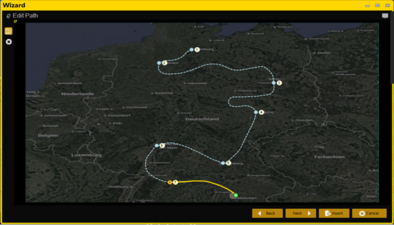
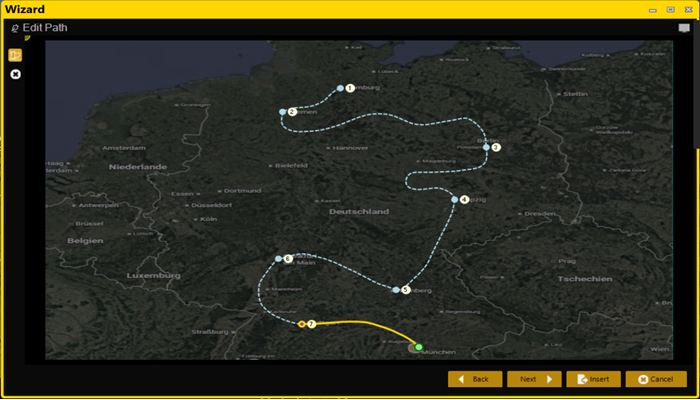
Sample route animation

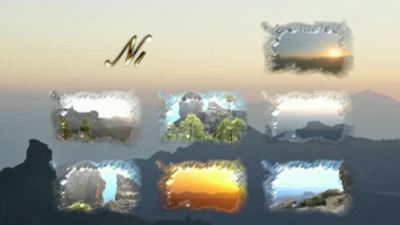
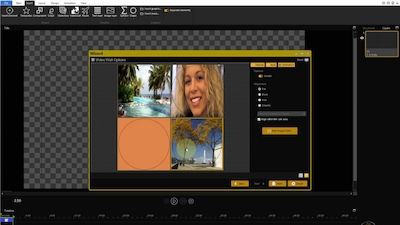
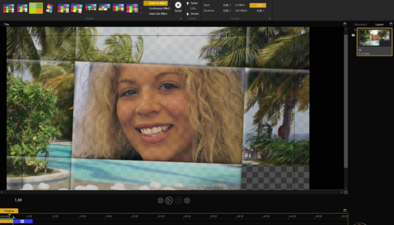
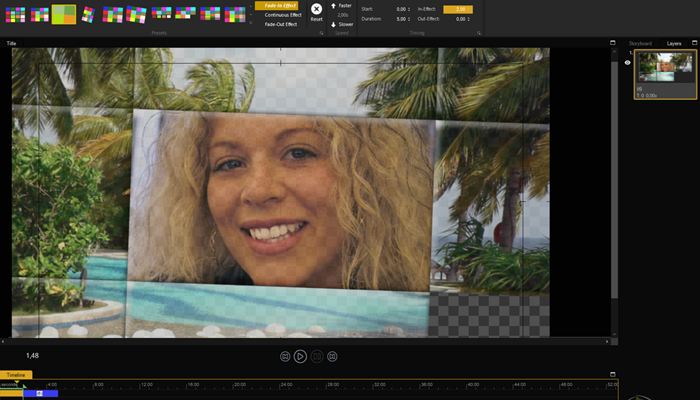
Video Wall

Lower third in the intro
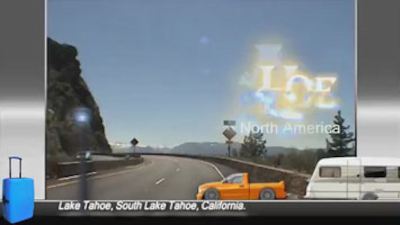
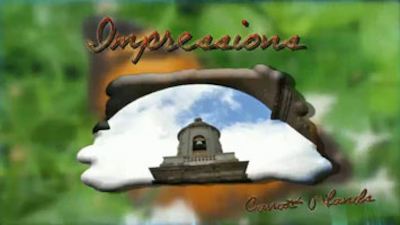
Individual Intro

Sample Trailer
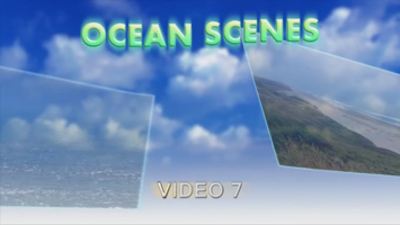
Slideshow
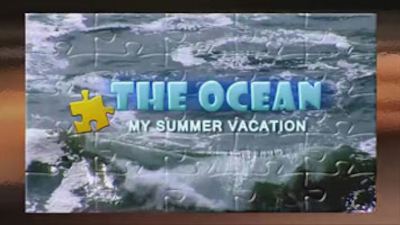
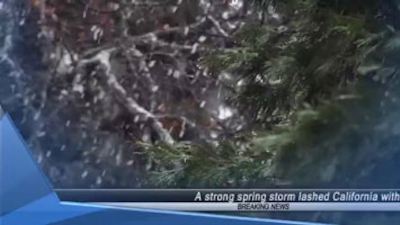







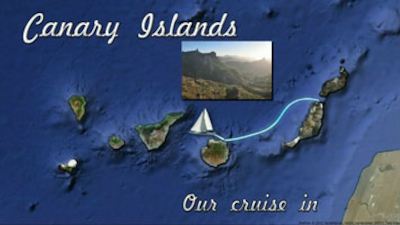
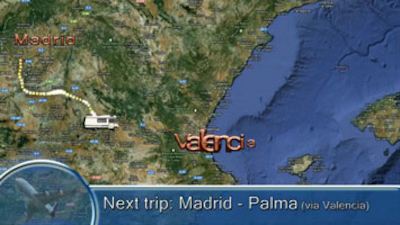



Useful tips

Comprehensive Overview & Tutorial
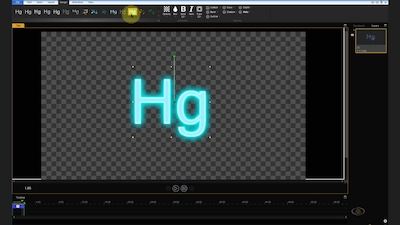
How to Create Amazing Animated Text

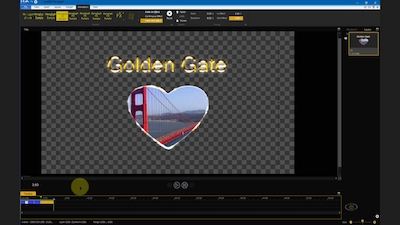
Create Easy Photo Slideshows with Text & Effects
Features
- Travel route animation
- Auto-generated handscript
- Trailer assistants
- Lower-third assistant
-
Video wall assistant
-
Slideshow assistant
-
Comprehensive design customization
-
Complete animated effects customization
The choice is yours! Heroglyph integrates seamlessly as a plug-in with NLEs. Alternatively, you can use Heroglyph as a standalone program.
Pictures | All pictures Less pictures
Further information
- Languages
- System requirements
- Deutsch (de-DE)
- English (en-US)
- Español (es-ES)
- Français (fr-FR)
- Italiano (it-IT)
- Nederlands (nl-NL)
- Polski (pl-PL)
- Português (pt-PT)
- Português (pt-BR)
- 日本語 (ja-JP)
- 한국어 (ko-KR)
- 简体中文 (zh-CN)
- 繁體中文 (zh-TW)
- Vietnamesisch (vi-VN)
- Thai (th-TH)
Operating system: Windows 10, Windows 11, or Windows 8.1
Memory: At least 8 GB of RAM