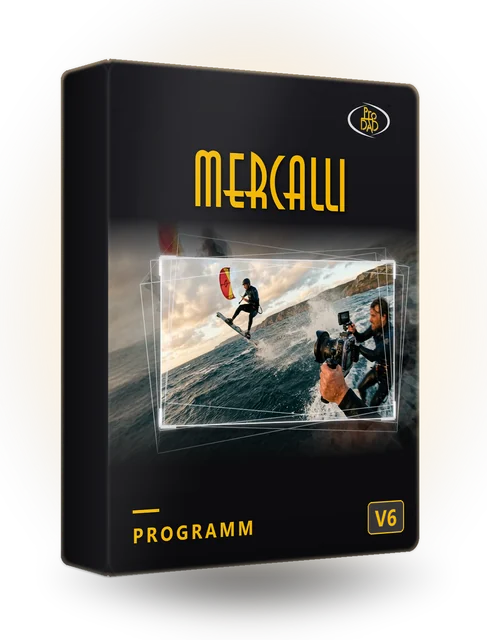
AI stabilization
Smooths even extremely shaky footage fully automatically and naturally.
AI video stabilization, CMOS correction and image optimization for DaVinci Resolve, VEGAS and other OFX applications.
More features as a program: Mercalli SAL – for example intensive CMOS repair and batch processing.
The video is provided by YouTube (youtube-nocookie.com). It starts automatically only with your consent – or now with a click. By clicking, you agree that data such as your IP address will be transmitted to YouTube (Google, including in the United States).
Smooths even extremely shaky footage fully automatically and naturally.
Picture-Enhancer PRO optimizes exposure, color, and contrast automatically in real time.
Analyzes even large amounts of footage quickly and practically.
Removes wobble, jello effect, and rolling shutter errors in the effects chain.
Adjusts the zoom dynamically – you keep the largest possible field of view.
Stabilizes action cam and drone footage while taking lens distortion into account.
Fully automatic stabilization, also for multiple clips at once.
Corrects CMOS distortions and rolling shutter errors.
Optimizes exposure, colors, and contrast automatically, in real time.
Videos load only after a click.
| Feature | Program (SAL) | Adobe | MAGIX | OFX | Corel | EDIUS |
|---|---|---|---|---|---|---|
| Price | − %instead of | − %instead of | − %instead of | − %instead of | − %instead of | − %instead of |
| Version | V6 | V6 | V6 | V6 | V6 | V5 |
| Stabilization | ||||||
| CMOS correction | ||||||
| Image optimization | – | |||||
| Intensive CMOS repair | – | – | – | – | – | |
| Batch processing | – | – | – | – | – | |
| Scene detection | – | – | – | – | – | |
| Project saving | – | – | – | – | – | |
| Runs without video editing software | – | – | – | – | V5 SAL included |
Prices and all offers: go to purchase options
DaVinci Resolve, Boris FX VEGAS, and other OFX-compatible programs (Windows). For MAGIX Video deluxe and Video Pro X, there is the MAGIX version.
For the current versions of the video editing software. The easiest way to check whether your version is supported is with the free trial version.
Mercalli V6 Plug-ins – user manual as PDF (German).
Yes. The trial version can be downloaded directly. The output of the trial version carries a watermark.
In DaVinci Resolve, Boris FX VEGAS, and other OFX-compatible programs. For MAGIX Video deluxe and Video Pro X, there is a separate MAGIX version.
Mercalli SAL is a stand-alone application and additionally offers, among other things, intensive CMOS repair, batch processing, scene detection, and project saving – see the version comparison.
Mercalli OFX works in DaVinci Resolve, Boris FX VEGAS, and other OFX-compatible applications. For video editing software without OFX support (e.g., Adobe, MAGIX, Corel), there are separate Mercalli packages with their own code. If you work with several video editing applications, Mercalli SAL is a good choice: you can use the stabilized video anywhere.
No. All current proDAD programs run on Windows.
One code is active on one PC at a time. To switch PCs, the code can be reset.
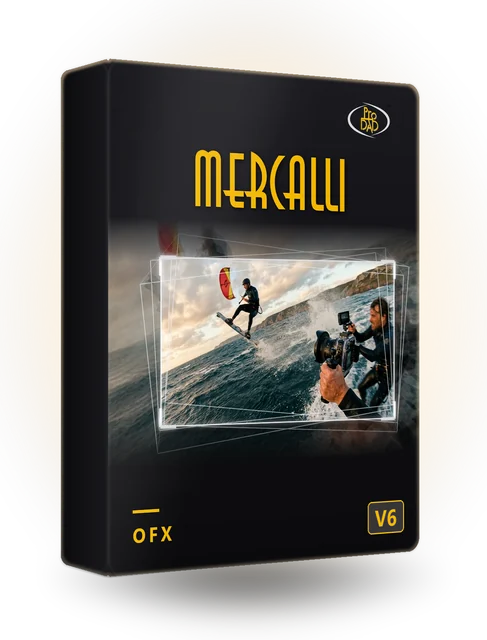
Plug-ins for DaVinci Resolve, VEGAS and other OFX applications.
− %Pay securely via FastSpring: card, PayPal, Google Pay.
The plug-in works directly in DaVinci Resolve, VEGAS, and other OFX programs – just right for most footage. If you want more options or work with several video editing programs, choose the stand-alone application Mercalli SAL – also later via upgrade.
Multiple video editing programs? Each plug-in is valid for one video editing program. Mercalli SAL works with all videos, independently of the video editing software.
AI video stabilization, CMOS correction and image optimization at a professional level
Open FX Effects & Transitions 1972 effects for DaVinci Resolve and Boris FX VEGAS (among others)
Download the trial version directly.
Try it out with your own footage.
Pay securely via FastSpring and enter the code.
The video is only now being loaded from YouTube (youtube-nocookie.com).