AI stabilization
Smooths even extremely shaky footage fully automatically and naturally.
AI video stabilization and CMOS correction directly in Adobe Premiere Pro and After Effects.
More features as a program: Mercalli SAL – for example intensive CMOS repair and batch processing.
The video is provided by YouTube (youtube-nocookie.com). It starts automatically only with your consent – or now with a click. By clicking, you agree that data such as your IP address will be transmitted to YouTube (Google, including in the United States).
Smooths even extremely shaky footage fully automatically and naturally.
Removes skew, wobble, and jello effect directly on the timeline.
Adjusts the zoom dynamically – you keep the largest possible field of view.
Stabilizes action cam and drone footage while taking lens distortion into account.
Uses up to 256 CPU cores and the graphics card.
Applies stabilization to multiple clips at once.
Fully automatic stabilization, also for multiple clips at once.
Corrects CMOS distortions and rolling shutter errors.
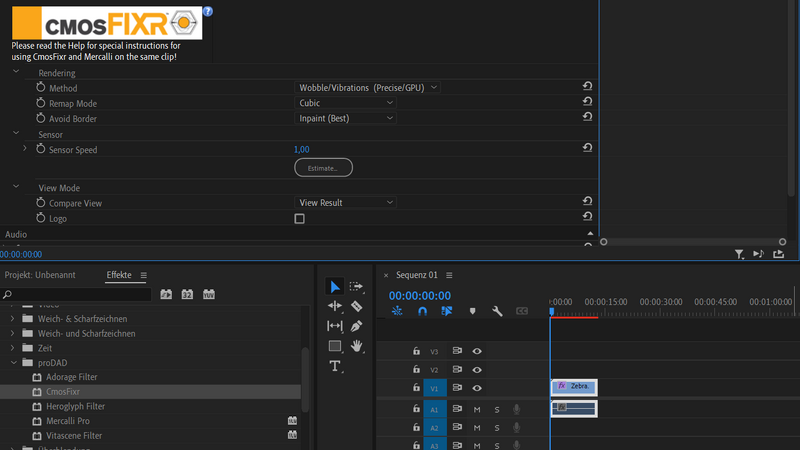
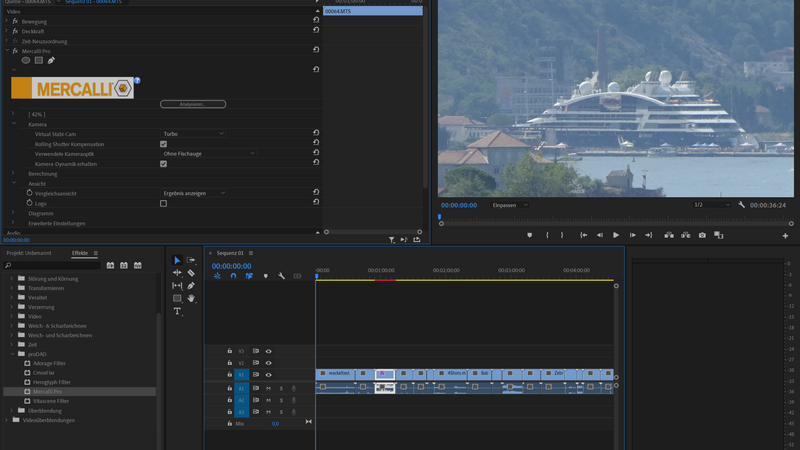
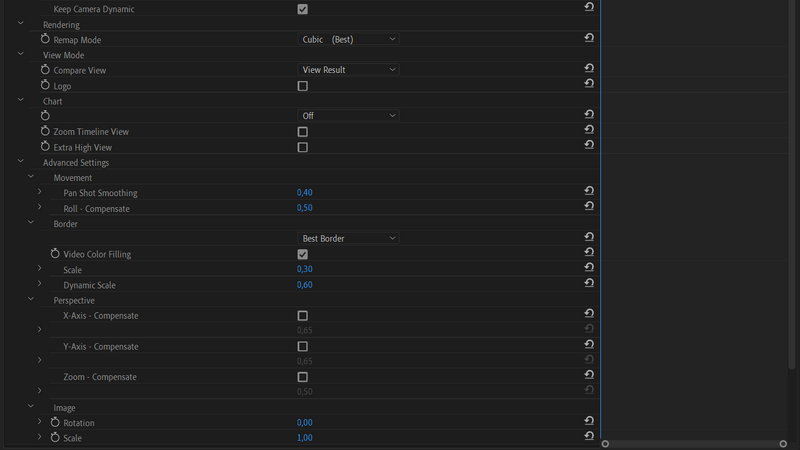
Videos load only after a click.
| Feature | Program (SAL) | Adobe | MAGIX | OFX | Corel | EDIUS |
|---|---|---|---|---|---|---|
| Price | − %instead of | − %instead of | − %instead of | − %instead of | − %instead of | − %instead of |
| Version | V6 | V6 | V6 | V6 | V6 | V5 |
| Stabilization | ||||||
| CMOS correction | ||||||
| Image optimization | – | |||||
| Intensive CMOS repair | – | – | – | – | – | |
| Batch processing | – | – | – | – | – | |
| Scene detection | – | – | – | – | – | |
| Project saving | – | – | – | – | – | |
| Runs without video editing software | – | – | – | – | V5 SAL included |
Prices and all offers: go to purchase options
Adobe Premiere Pro and Adobe After Effects.
For the current versions of the video editing software. The easiest way to check whether your version is supported is the free trial version.
Mercalli V6 Plug-ins – user manual as PDF (German).
Yes. The trial version can be downloaded directly. The output of the trial version carries a watermark.
In Adobe Premiere Pro and Adobe After Effects.
Mercalli SAL is a stand-alone application and additionally offers, among other things, intensive CMOS repair, batch processing, scene detection, and project saving – see the version comparison.
No. The Mercalli plug-ins for Adobe work only in Adobe Premiere Pro and After Effects. For other video editing software, there are separate Mercalli packages with their own code. If you work with several video editing applications, Mercalli SAL is a good choice: you can use the stabilized video anywhere.
One code is active on one PC at a time. To switch PCs, the code can be reset.
Plug-ins for Adobe Premiere Pro and After Effects.
− %Pay securely via FastSpring: card, PayPal, Google Pay.
The plug-in works directly in Adobe Premiere Pro and After Effects – just right for most footage. If you want more options or work with several video editing programs, choose the stand-alone application Mercalli SAL – also later via upgrade.
Multiple video editing programs? Each plug-in is valid for one video editing program. Mercalli SAL works with all videos, independently of the video editing software.
AI video stabilization, CMOS correction and image optimization at a professional level
Download the trial version directly.
Try it out with your own footage.
Pay securely via FastSpring and enter the code.

The video is only now being loaded from YouTube (youtube-nocookie.com).