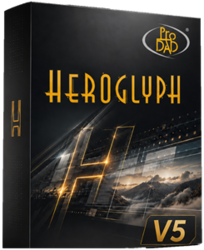

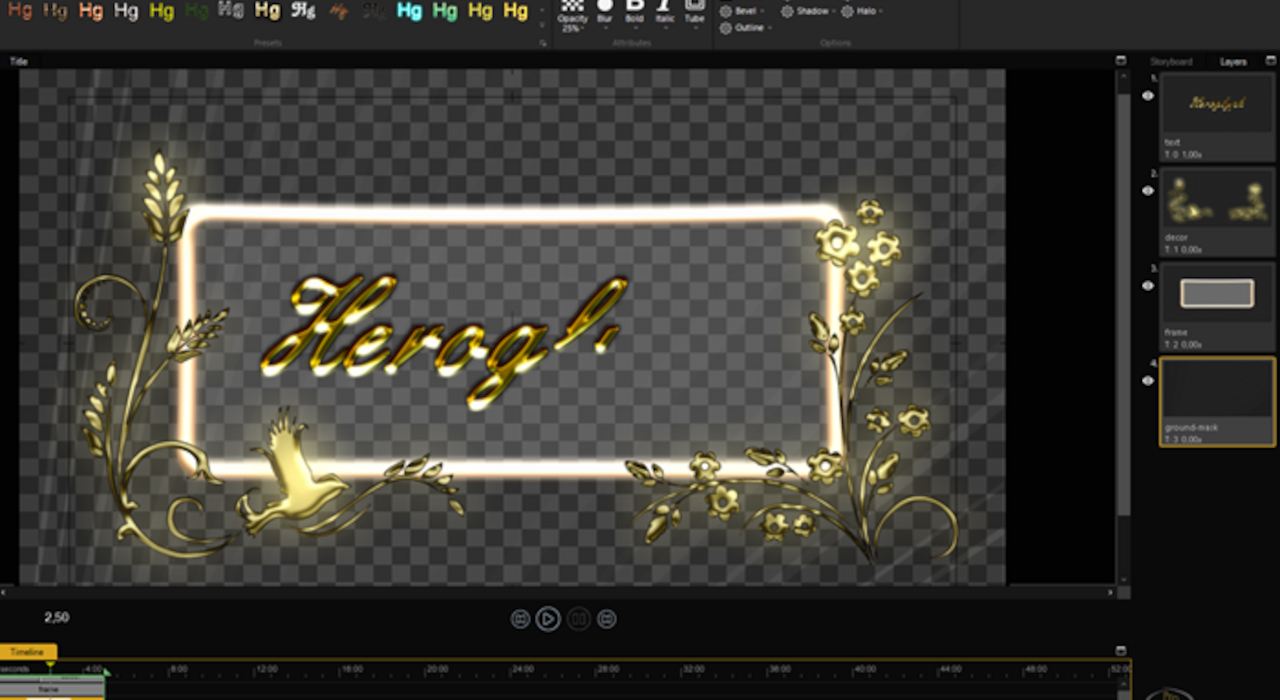
proDAD Heroglyph is the essential solution for titles, lower thirds, handwriting, travel route animations, and trailers.

Heroglyph v5
Welcome to proDAD Heroglyph!
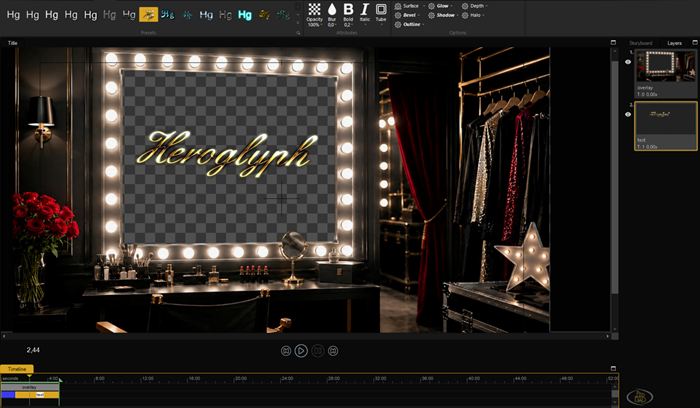
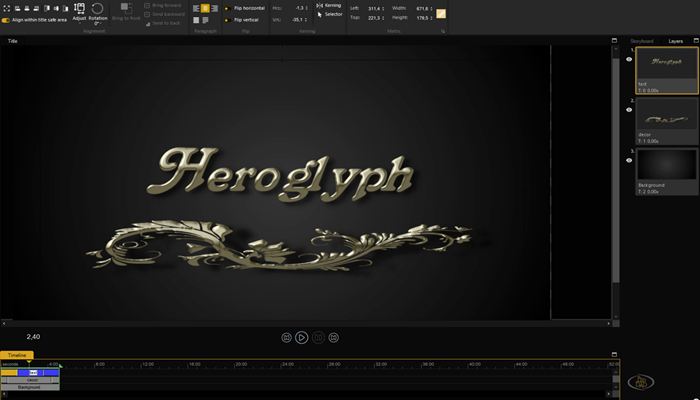
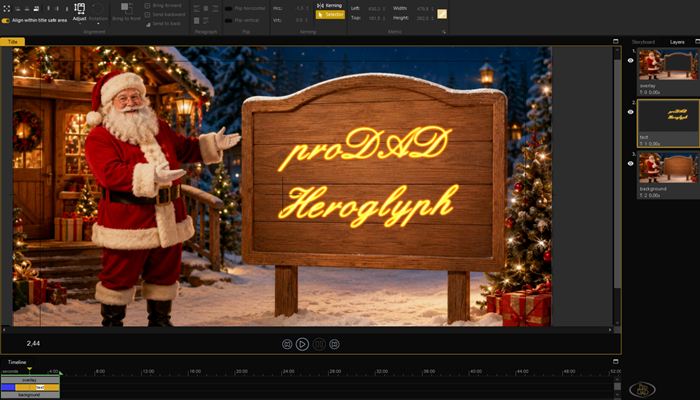
Make your videos stand out with professional titles, captions, and animations.
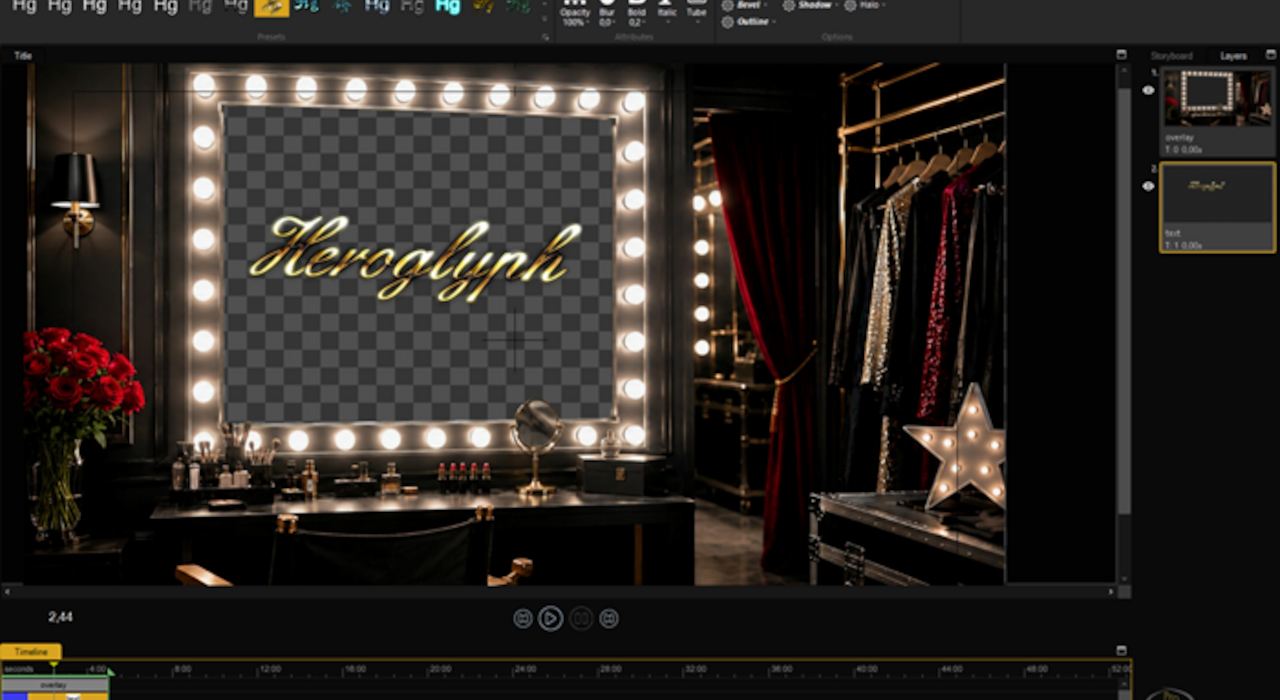
With a single, powerful software program, you can create breathtaking video titles, elegant captions, professional closing credits, dynamic trailers, fascinating motion paths, and beautiful handwriting animations.
Heroglyph allows you to add creative finishing touches that transform your projects from good to outstanding. Explore the endless possibilities of combining high-quality effects, smooth animations, and unique font styles. Until now, achieving all this required significantly more effort. Now, it’s easier, faster, and more convenient than ever to bring your ideas to life.
Unlike traditional title and compositing programs, Heroglyph automatically handles most of the complex work, delivering impressive results in no time. At the same time, you retain full creative control; every parameter can be manually fine-tuned as needed.
Heroglyph seamlessly integrates as a plug-in into leading editing programs, including Adobe Premiere Pro, After Effects, DaVinci Resolve, Avid, Vegas, EDIUS, MAGIX, Boris, and more. Alternatively, you can use it as a standalone application.
Heroglyph — because your videos deserve more than just text.
Videos | All Videos Less videos
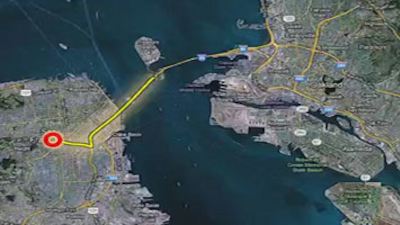

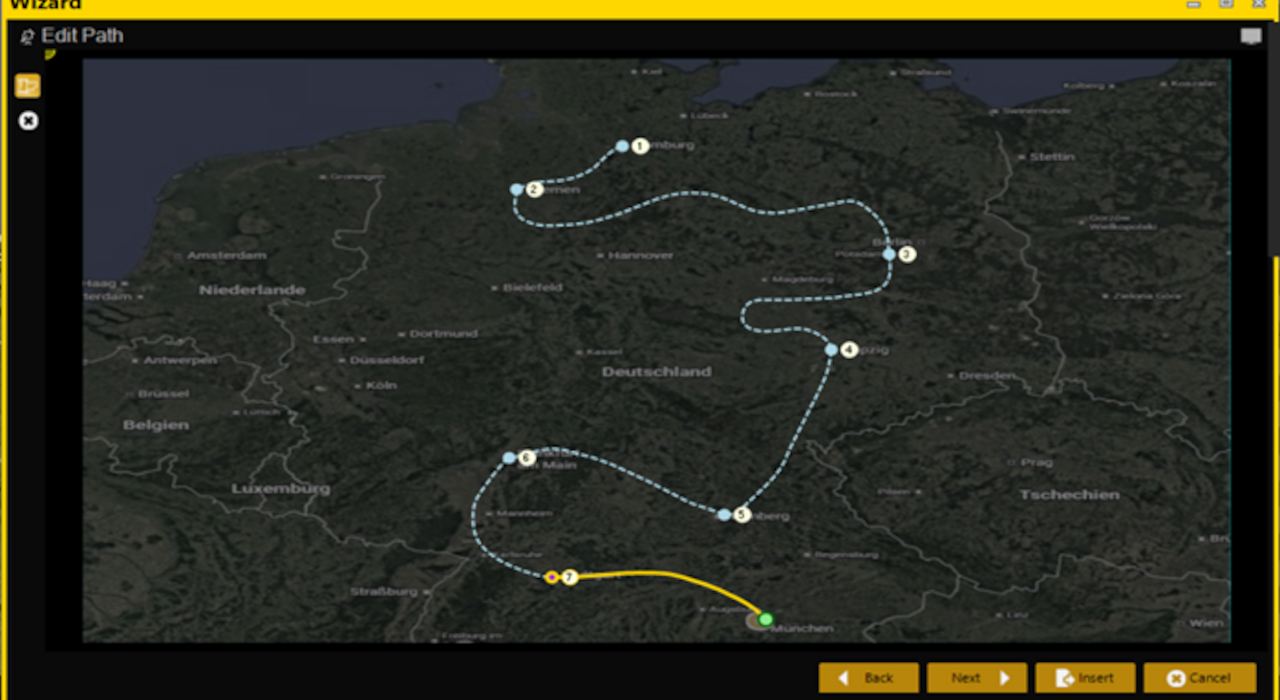
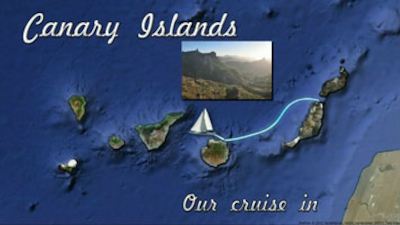
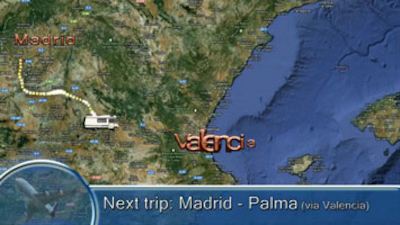
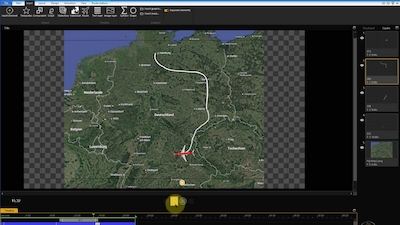
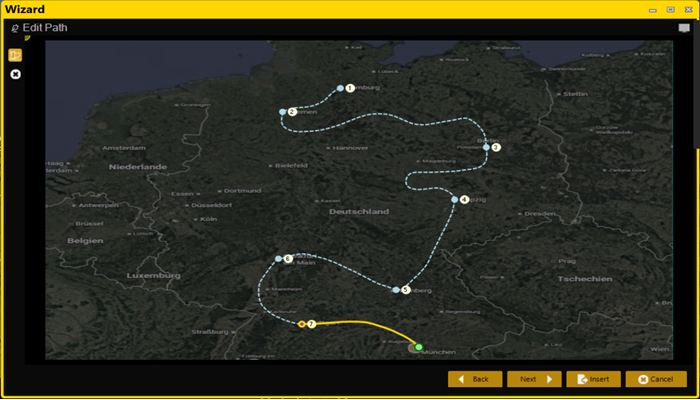
Sample route animation

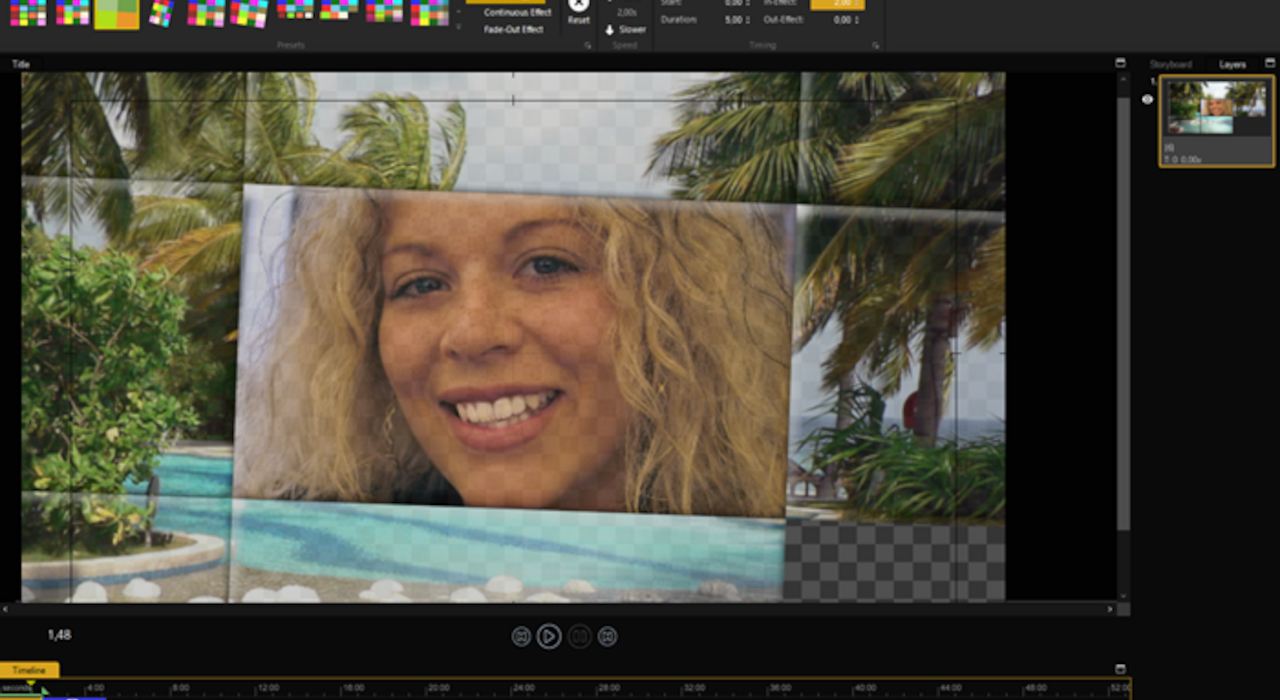
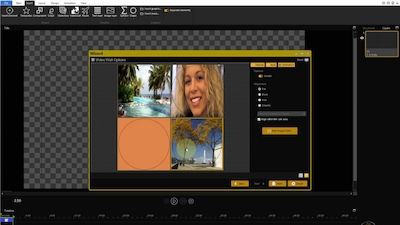
Video Wall

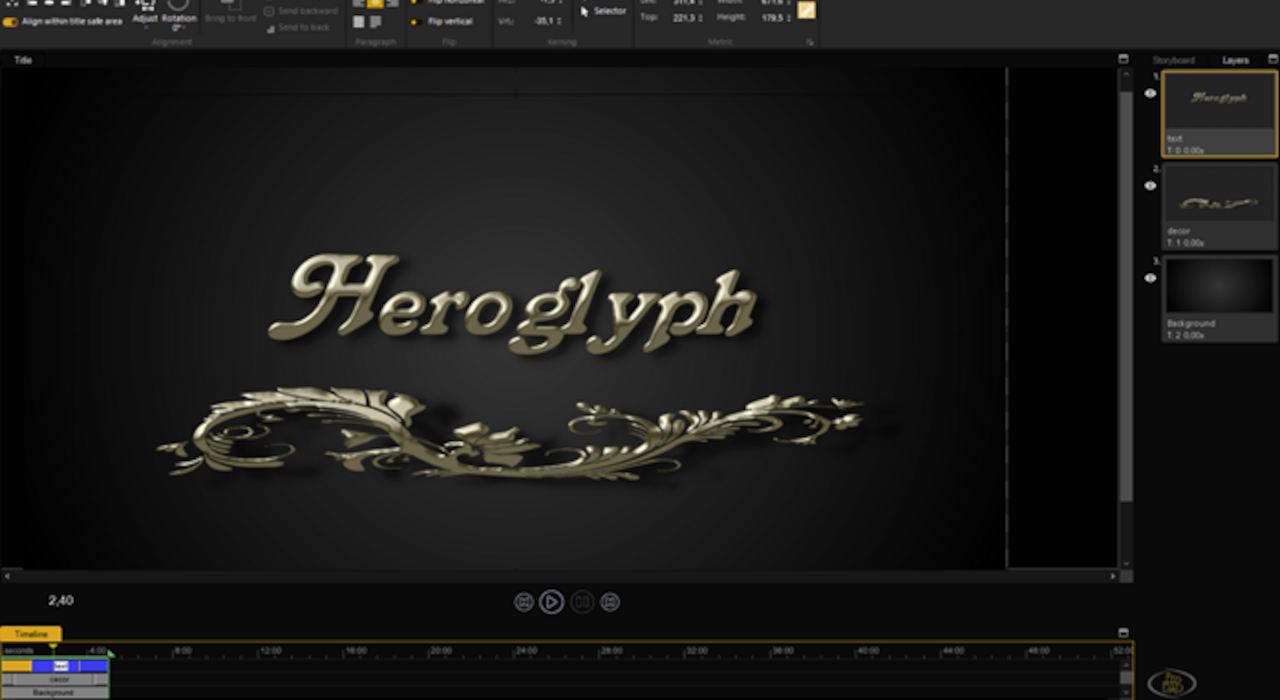
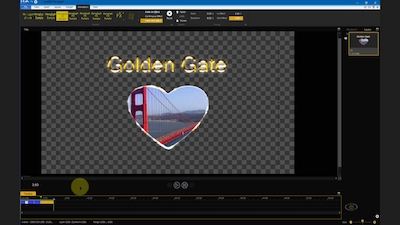
Lower third in the intro
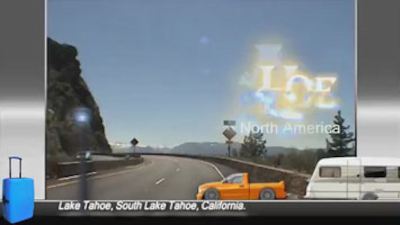
Individual Intro

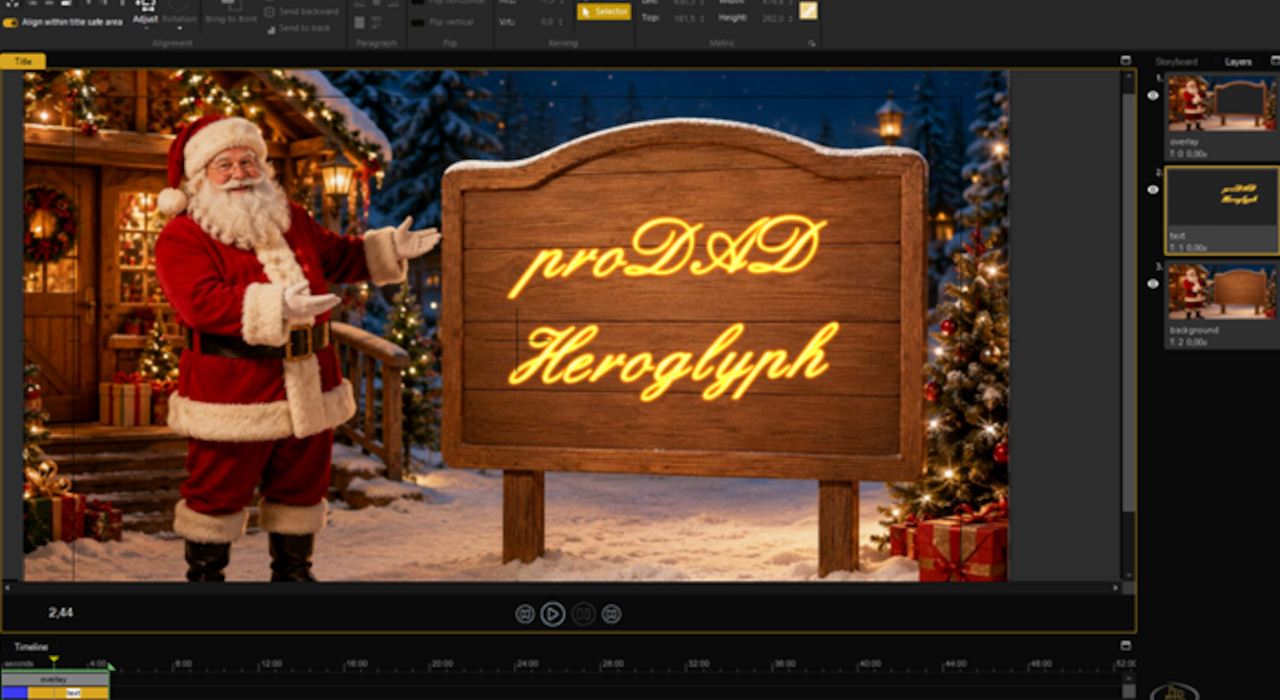
Sample Trailer
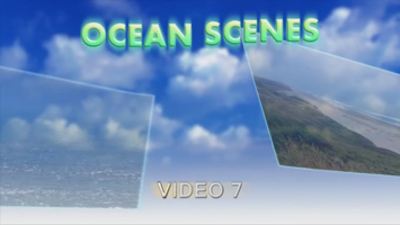
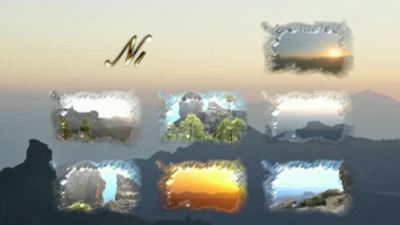
Slideshow
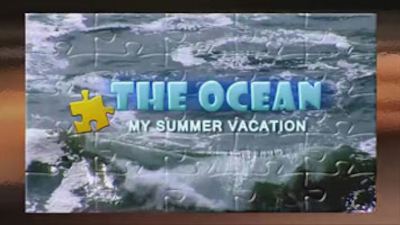










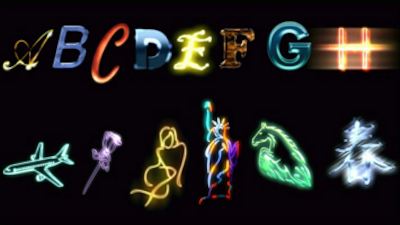
Useful tips
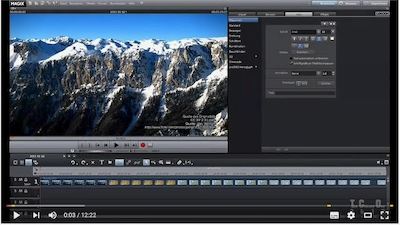
Comprehensive Overview & Tutorial
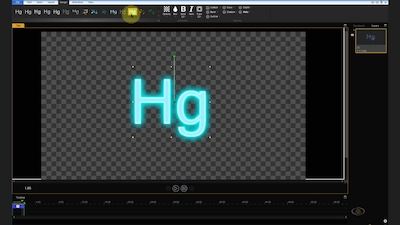
How to Create Amazing Animated Text

Create Easy Photo Slideshows with Text & Effects
Features
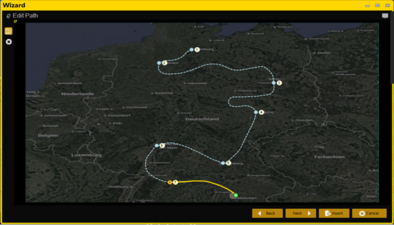
- Travel route animation
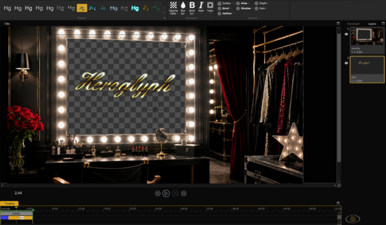
- Auto-generated handscript
- Trailer assistants
- Lower-third assistant
-
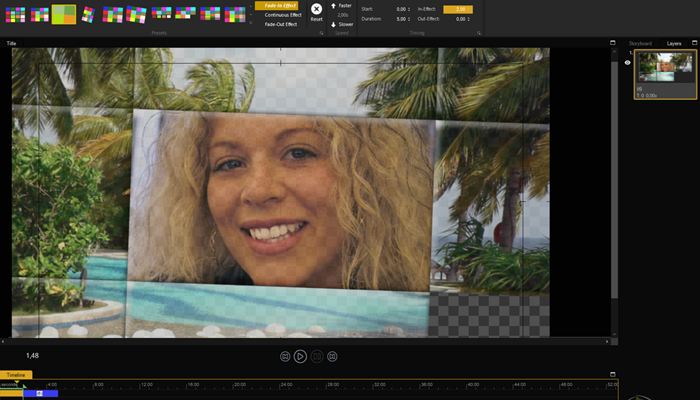
Video wall assistant
-
Slideshow assistant
-
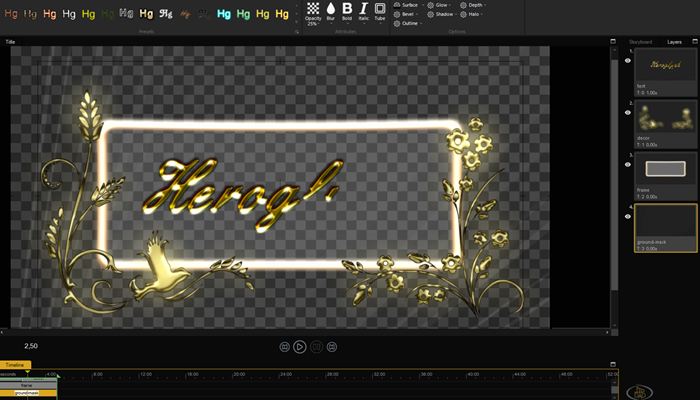
Comprehensive design customization
-
Complete animated effects customization
The choice is yours! Heroglyph integrates seamlessly as a plug-in with NLEs. Alternatively, you can use Heroglyph as a standalone program.
Pictures | All pictures Less pictures
Further information
- System requirements
- Plug-Ins
Windows 11

COREL
Corel VideoStudio

MAGIX
MAGIX Video Pro X
MAGIX Video Deluxe
MAGIX Movie Edit Pro
MAGIX Video Pro

Grass Valley K.K.
Grass Valley EDIUS

Pinnacle Studio
Pinnacle Studio

Adobe
Premiere Pro

Blackmagic DaVinci Resolve
DaVinci Resolve Studio