Skip to content

Stabilization

Effects & transitions

Titles & text

Video tools

Privacy & mosaic

For your video editing software

AdobePremiere Pro · After EffectsMAGIXVideo deluxe · Video Pro XDaVinci ResolveBlackmagic DesignVEGAS ProBoris FXCorelVideoStudioEDIUSGrass ValleyPinnacleStudioSDK for developersForensics for government agencies
Frequently asked questionsUser manualsTutorialsGuidesActivationFree trial versionsRepair & updateUpgrade offers
Contact supportContact formPartners & dealersAbout proDADLegal noticePrivacy policy
Free trial
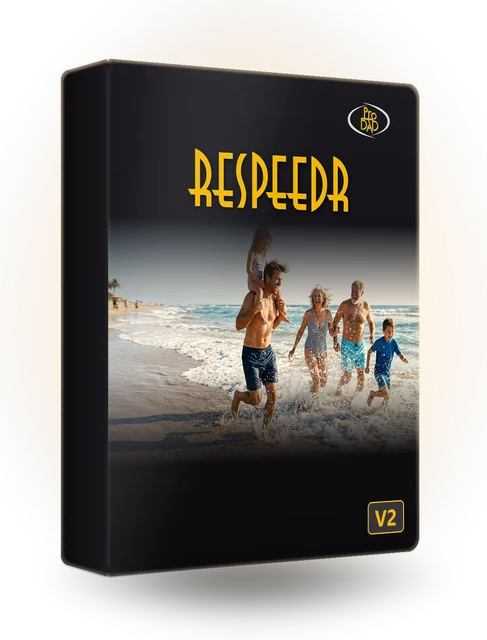
ReSpeedr V2 · Slow motion and time-lapse

ReSpeedr

Super slow motion without ghosting, time-lapse and long-exposure effects – rendered fast.
€99.00

Already have ReSpeedr V1?Upgrade from€60.00

Product video: ReSpeedr V2

Benefits

What ReSpeedr can do

Super slow motion

Optical flow calculates new intermediate frames – smooth and without ghosting.

Time-lapse

Show long, slow processes in seconds.

Speed changes via keyframes

Combine slow motion and time-lapse in one clip, with smooth transitions.

Long-exposure effects

Long-exposure looks, also together with slow motion or time-lapse.

Quick stabilization

Smooth the footage at the same time with Mercalli V6 technology.

3D, 360°, and portrait format

Also 180°/360° and 3D videos; export up to 12-bit, NVIDIA-accelerated.

Features

All features

  • Super slow motion with thousands of frames per second
  • Time-lapse for quickly bridging slow movements
  • Keyframes for combining super slow motion and time-lapse, also with dynamic transition phases
  • Long-exposure effects for combining with super slow motion and time-lapse
  • New user interface for even more convenience 
  • Quick video stabilization with Mercalli V6 technology
  • 3D video support
  • Super slow-motion with thousands of images per second
  • Time-lapse for quick bridging of slow movements
  • Keyframes for combining super slow-motion and time-lapse, including dynamic transition phases
  • After-exposure effects to combine with super slow-motion and time-lapse
  • New user interface for even more convenience
  • Quick video stabilization with Mercalli V6 technology
  • 3D video support

Export now also in YUV 422 and 444, in 8, 10, and 12 Bit

  • Export profiles can be created for individual requirements
  • Spherical videos with 180° and 360°, incl. binocular formats
  • Editing of portrait formats
  • Accelerated computation compared to V1
  • Thanks to NVIDIA technology, significantly accelerated export
Sample videos

ReSpeedr in action

Videos load only after a click.

Technical info

Tech specs and Compatibility

System requirements
  • Operating system: Windows 10 or 11, 64-bit
  • RAM: min. 4 GB
Compatibility

Stand-alone application for Windows.

Tutorials & tips

Quick results

Frequently asked questions

Questions about ReSpeedr

Is there a free trial version?

Yes. The trial version can be downloaded directly. The output of the trial version carries a watermark.

How is the super slow motion created?

Via optical flow: ReSpeedr calculates new frames between the existing ones instead of duplicating frames.

Does ReSpeedr support 360° and 3D videos?

Yes, 180° and 360° videos as well as 3D material.

I have ReSpeedr V1. Is there an upgrade?

Yes. From V1 to V2: €60.00 (list price).

On how many PCs can I use ReSpeedr?

One code is active on one PC at a time. To switch PCs, the code can be reset.

Buy

Buy ReSpeedr

Full version

ReSpeedr V2

For Windows.

€99.00
Buy nowAdd to cart
Upgrade

Upgrade from V1 to V2

Who can upgrade? Owners of ReSpeedr V1.

€60.00
Buy upgradeAdd upgrade to cart

Pay securely via FastSpring.

Goes well with

Often combined with this

In three steps

Download, try, buy

Download

Download the trial version directly.

Try

Try it out with your own footage.

Buy

Pay securely via FastSpring and enter the code.
ReSpeedr V2€99.00
See offers