Contact
Newsletter
User-Login
Video Effects
Adorage
Adorage 13
Adorage 12
Adorage 11
Adorage 10
Adorage 9
Adorage 8
Adorage 7
Adorage 6
Adorage 5
Adorage 4
Adorage 3
Adorage 2
Adorage 1
All-in-One
Adorage Addons
Workshop
VitaScene V2
Video Titling
Heroglyph
Heroglyph V4
Heroglyph Addons
Creative Pack 1
Creative Pack 2
Creative Pack 3
Creative Pack 4
Creative Pack 5
Video Stabilizing
Mercalli V2
Compatibility
Adobe
Apple
Avid / Pinnacle
Corel
Grass Valley
MAGIX
Sony
Service Update
Heroglyph
Mercalli
Adorage
VitaScene
FAQs
Workshops
Heroglyph
Adorage
Feedback
Partner/Reseller
Imprint
Home
»
Demoversion
»
FAQs
»
Mercalli V1
Demoversion
Service Update
FAQs
Workshops
Feedback
general questions
Mercalli V1
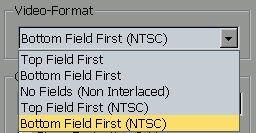
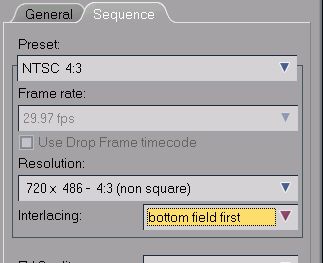
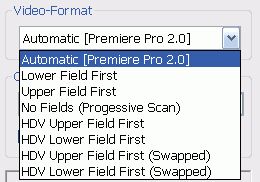
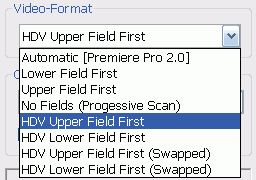
Adobe Premiere 2.0 and the technichal similar "Elements" versions doesn´t pass on several video format relating informations to Plugins, which may give incorrect results with Mercalli. Thus proDAD modified Mercalli from version 1.0.8 with a workaround. Now this Premiere plugin interface limitation can be solved by users intervention defining the video-format in a new menu manually.
Is there a Mercalli version for Ulead Mediastudio available - or will this ever be?
The plugin interface of Liquid 7.x / Studio 12.x doesn´t pass on several video format relating informations to Plugins, which may give incorrect results with Mercalli. Thus proDAD modified Mercalli from version 1.0.8 with a workaround. Now this Liquig plugin interface limitation can be solved by users intervention defining the video-format in a new menu manually.
In spite of multiple installation trys I can´t find the program. In the windows start-menu under "all programs" and "proDAD" I can find the manual only. Where to locate the program?
I can´t find my editing solution in the list of supported NLE host applications. Therefore I hope for a kind of standalone version of Mercalli. Will this ever be available?
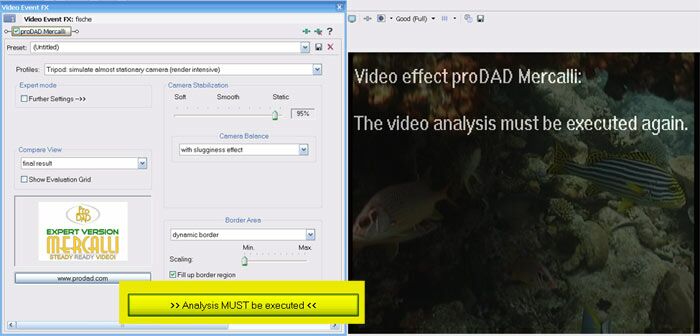
"The Videoanalysis must be executed again" appears in the video preview. How to start the "Videoanalysis" ?
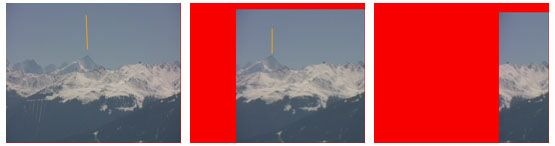
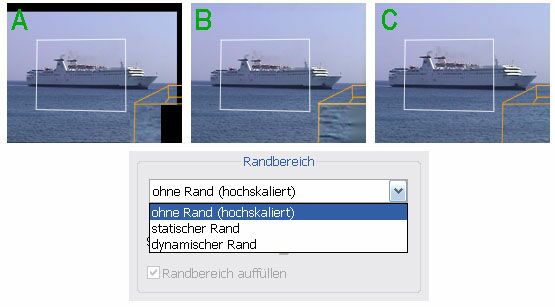
After applying Mercalli the video has been reduced extremely. In addition the borders are very large and shown as blurred areas. How can this be avoided?
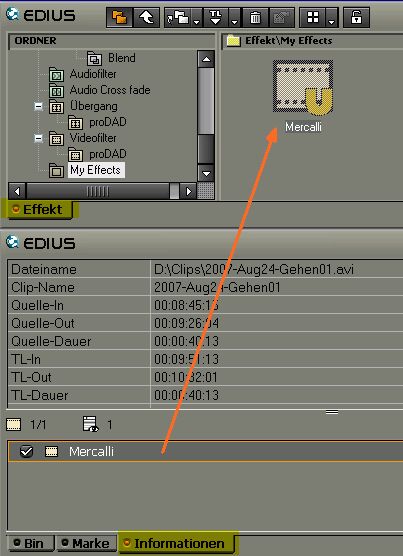
How can an effect setting of Adorage, Heroglyph, Vitascene or Mercalli being created in EDIUS directly? The target should be a specific proDAD effect based setting, ready to be used on one mouseclick within the EDIUS effects library.
During the analysis Liquid/Studio shows a 'V' and Mercalli reports error #3.
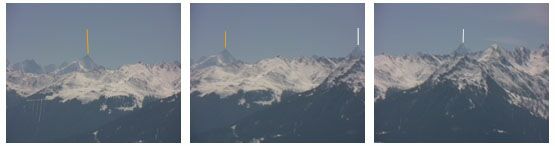
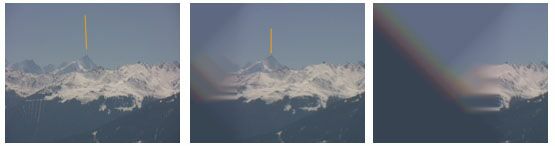
How does Mercalli stabilise my videoclips? How can I remove undesired shakes in Mercalli (more efficient)?
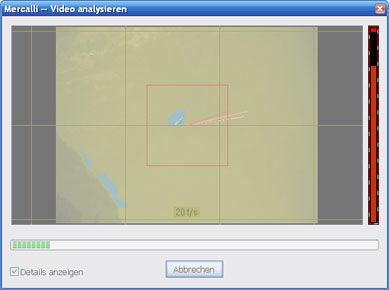
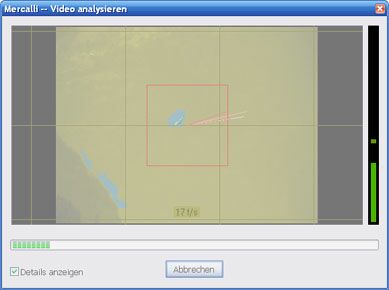
The right bargraph shows a red bar. What does it mean?
Contact
|
Newsletter
|
Imprint
©2012 proDAD Inc. All rights reserved. Product features and specifications subject to change without notice. All trademarks are the properties of their respective owners.
Design Logo Type
CMS by SELLTEC