Answer:
Dear User of Adorage 12,
please take into consideration the following installation tips:
There is a Basic Version Adorage 12, which should be installed first. After doing so, check which editing software (NLE) you are using.
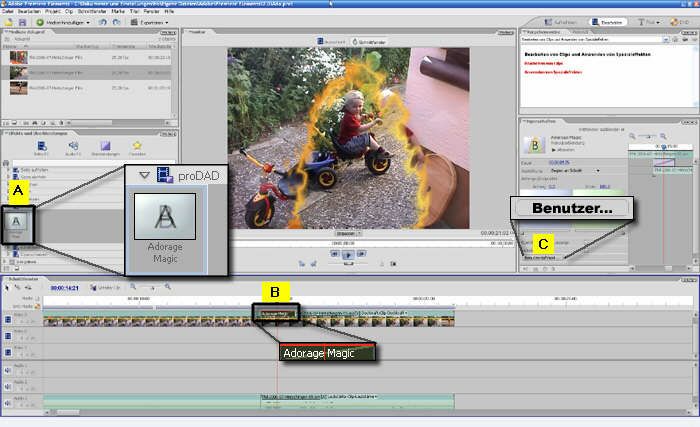
- If you are using a 32bit editing software, install the 32bit-Plugin Service Package (included in the delivery).
Note:The selection of the Plugin does not depend on the Windows-version you are using.
2. If you are using a 64bit editing software (eg. Premiere CS5, Sony Vegas 64bit 9/10 Pro), install the 64bit Plugin Service Package (included in the delivery).
The current Adorage 12 or the Service Packages install new Plugins, i.e. the existing Adorage-Plugin will be refreshed.
Notes for the use of Adorage 12 in Pinnacle Studio:
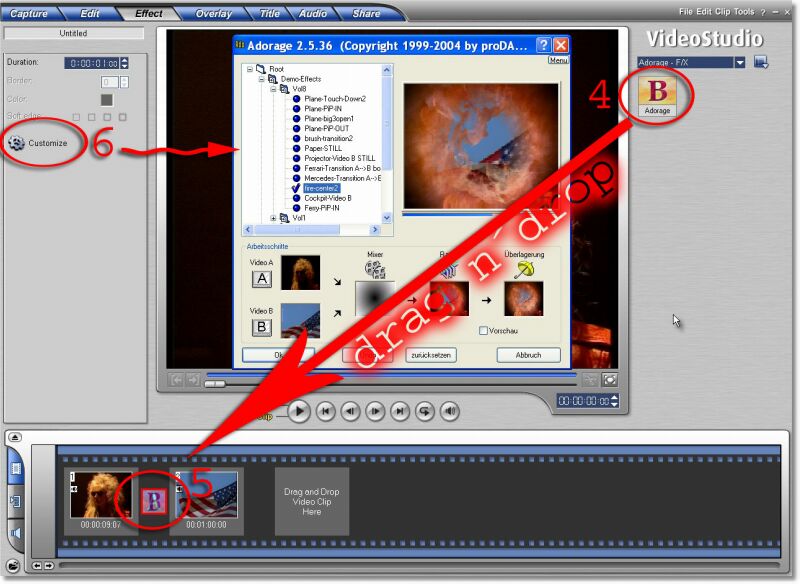
Please install the basic version of Adorage 12 first, then the new volume 12 will be included into the list of the opened Adorage (directly in Studio). Immediately after doing so, you can use all the Adorage effects and transitions. In case that previously installed earlier Adorage volumes (1-11) are already unlocked, the new Volume 12 will be activated. There is no need of any further unlocking on the part of Pinnacle/Avid.
Further recommendations:
1. New installation of Adorage Volumes:
If you install your Adorage Volumes 1-12 newly we recommend to first uninstall Adorage completely. Then (re-)install your Volumes in order. Install the respective Service Package always at the end – either the 32bit- or the 64bit Service Package (or the two of them), depending on the editing software you are using.
2. The use of the 64bit Service Package:
The 64bit Service Package will be installed only if you are using a 64bit editing software (currently in Premiere CS5 and Vegas 9/10 Pro).
3. Additional installation of older Adorage Volumes:
If you install older Adorage Volumes in addition to previously installed Volumes you should always install the current Service Package at the end - either the 32bit- or the 64bit Service Package (or the two of them), depending on the editing software you are using.